
Nič nenavadnega ni, da se tiskalniki sčasoma umažejo. Na nekaterih delih se lahko naberejo prah in delci tonerja. To bo vplivalo na splošno delovanje vašega tiskalnika.
Ta vodnik vas popelje skozi 9 korakov za čiščenje kot enega od običajnih vzdrževalnih praks.
Potrebne zaloge
1. Rokavice iz lateksa
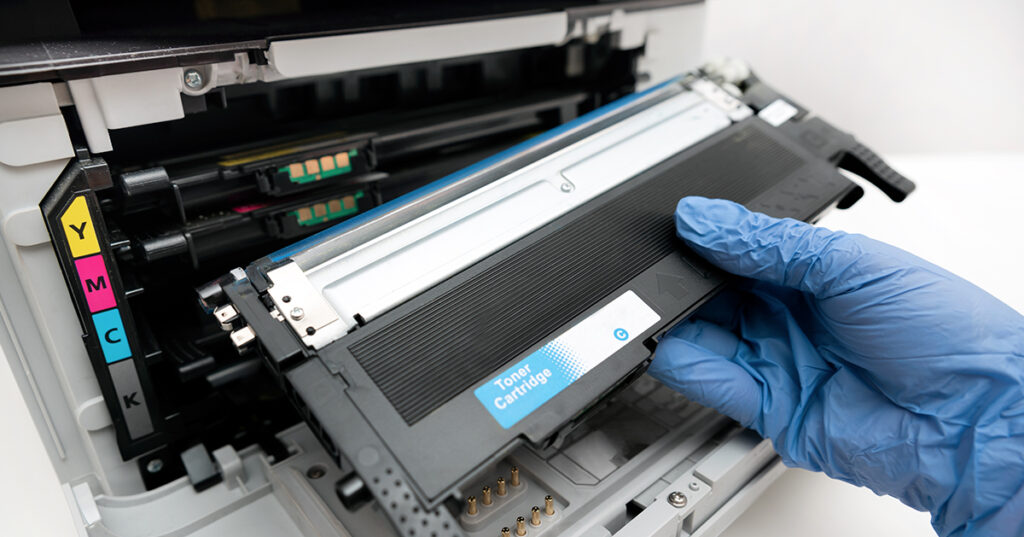
Čiščenje tiskalnika in kartuš bi lahko postalo neurejeno. Za zaščito rok pred madeži tonerja boste potrebovali rokavice iz lateksa.
2. Vakuumski toner
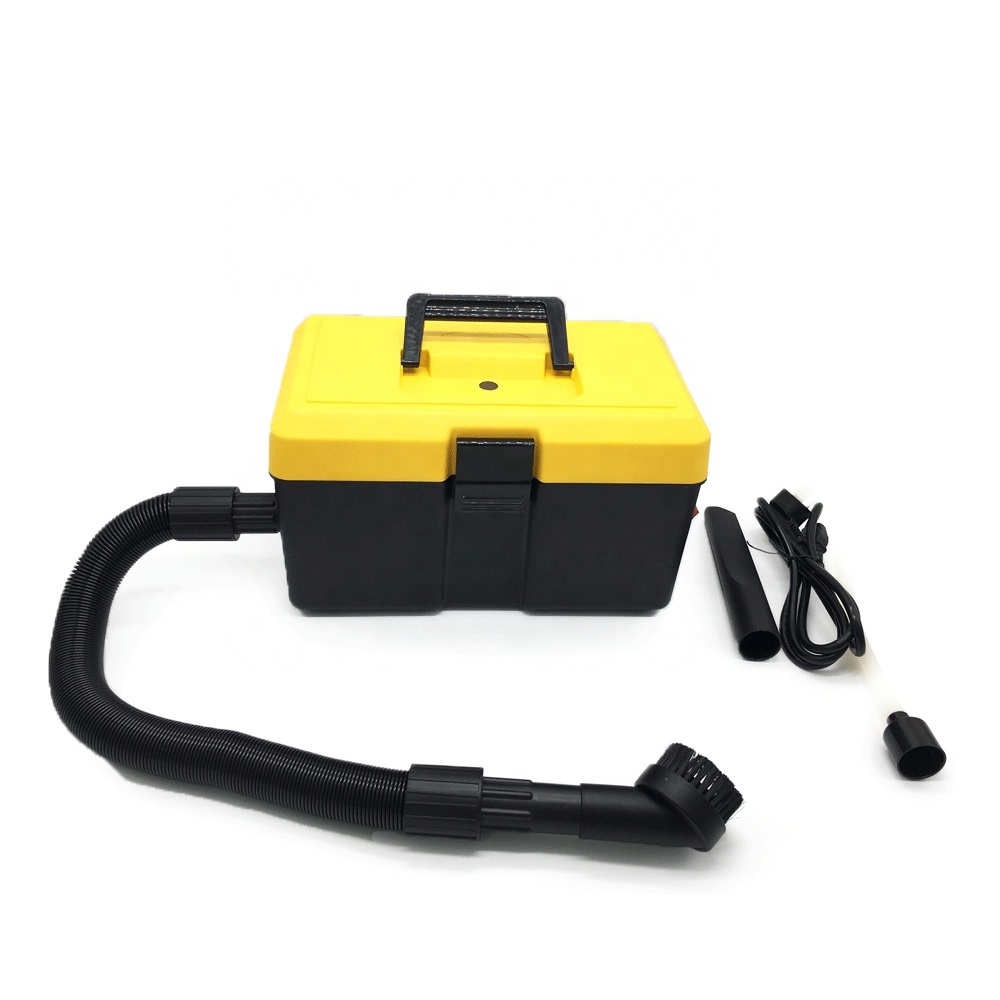
Uporaba običajnih sesalnikov lahko odnese toner v zrak. Vakuumski toner je bil narejen z upoštevanjem tega previdnostnega ukrepa. Imajo filtre, ki ujamejo toner in preprečijo, da bi ušel. So drage, vendar jih potrebujete za najboljšo izkušnjo čiščenja. Čeprav je to nujna oprema, še vedno lahko čistite brez njega.
3. ;Krpa z aktiviranim tonerjem
To je posebna krpa, ki privlači delce tonerja. Ujame toner, ki ostane po pihanju z vakuumom za toner. Ker ujame toner, aktivirana krpa za toner bo pustila vaš tiskalnik precej čist. Je za enkratno uporabo, in po krogu čiščenja ga boste morali zavreči.
4. ;Razpršilo za prah z izopropilnim alkoholom in aerosolom
Tekočine vplivajo na opremo, kot sta tiskalnik in kartuša s tonerjem. Uporaba tistih, ki hitreje izhlapevajo, je nedvomno najboljša možnost. Ena taka tekočina je izopropilni alkohol. Kmalu po čiščenju z uporabo ne boste našli nobene tekočine. Aerosol Spray Duster je spremljevalno orodje, ki naredi postopek bolj obvladljiv. To bo olajšalo dostop do problematičnih predelkov na vašem tiskalniku. Pomagal bo odpihniti delce tonerja. ;
5. ;Obrazna maska
Pri čiščenju tiskalnika lahko delci tonerja pridejo v zrak. Toner lahko draži vaše oči in pljuča. Delo z obrazno masko vam bo pomagalo zaščititi obraz pred izpostavljenostjo toniku. Ni znanih škodljivih posledic vdihavanja tonerja za zdravje. Kljub temu, zaščititi se morate za vsako ceno. Preprosta maska za barvanje bi opravila delo.
6. ;Čopič
Potrebujete mehak in širok čopič. Tisti, ki se uporabljajo pri slikanju, bodo delovali. Izogibajte se uporabi zobne ščetke. Trde krtače lahko poškodujejo dele vašega tiskalnika. Prav tako so kratke in ne bodo nudile najboljše izkušnje čiščenja.
7. Bombažne palčke
V pomoč bodo tudi vatirane palčke. Lahko dobite navadne
Pojdimo zdaj k ključnemu delu vodnika. Tukaj so koraki za čiščenje tiskalnika in kartuš s tonerjem:
Koraki, ki jih morate upoštevati pri čiščenju kartuš za tiskalnik
1. Izklopite tiskalnik
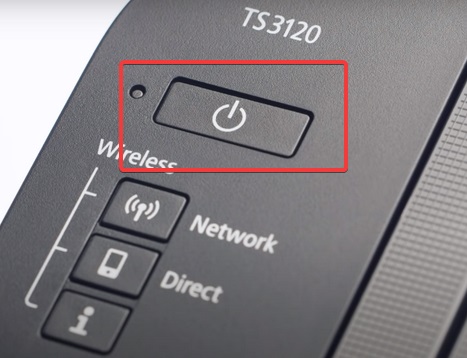
Napravo morate izklopiti in izvleči kabel iz stenske vtičnice. To zagotavlja, da med čiščenjem tiskalnika ne pride do električnega udara. Najbolje bi bilo počakati, da se tiskalnik ohladi. Laserski tiskalniki segrejejo toner do tališča. Nekateri njegovi deli se lahko med tem zelo segrejejo. Pustite približno 30 minut.
2. ;Priprava
Najbolje bi bilo, da si najprej sestavite orodja za vajo. Nosite masko in rokavice. Zaloge in opremo imejte bližje. Pridobite tudi priročnik za tiskalnik, če bi bila potrebna referenca. Morda ga boste potrebovali, da preverite, kje v vašem tiskalniku odpreti, če ga ne poznate.
Prav tako je bolje odpreti okna, da povečate prezračevanje. Med postopkom lahko toner pride v zrak. Če odprete okna, bo toner hitro ušel v ozračje. Delajte v okolju brez zastojev. To bo preprečilo morebitne madeže tonerja.
3. Odprite predelke tiskalnika
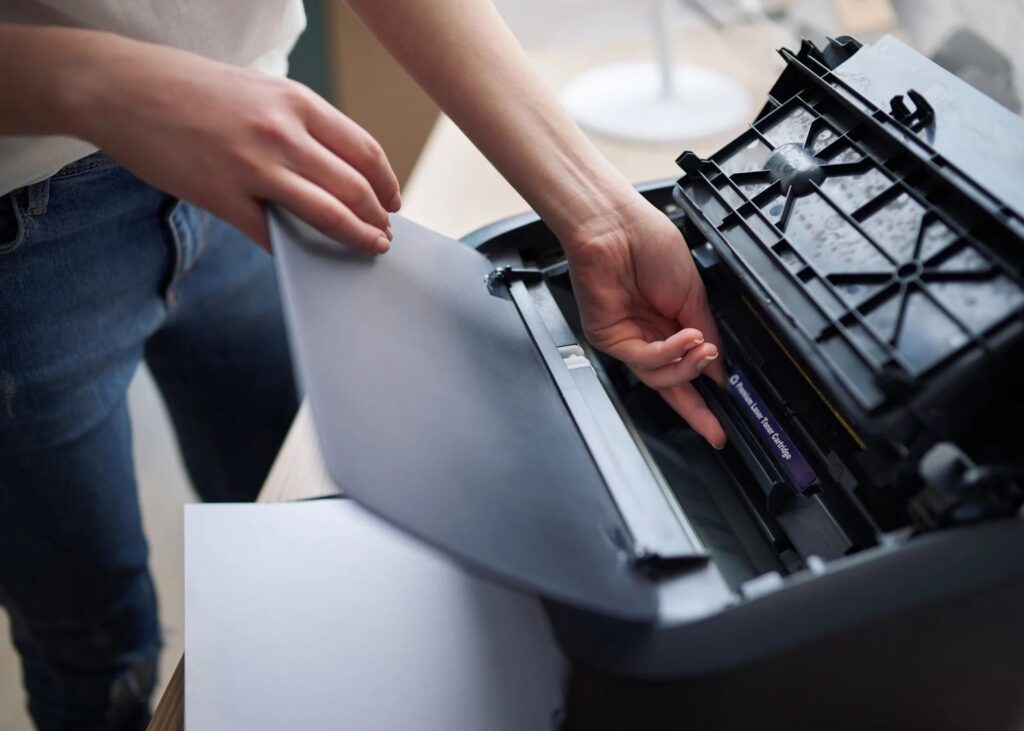
Odprite vsa vrata tiskalnika za dostop do notranjih predelkov. Odstranite kartušo s tonerjem in jo odložite. Odstranite enoto bobna in jo shranite na varno v temi. Pazite, da se ne dotaknete bobna. Občutljiv je na vodo in olje. Občutljiva je tudi na svetlobo.
4. Očistite kartušo s tonerjem
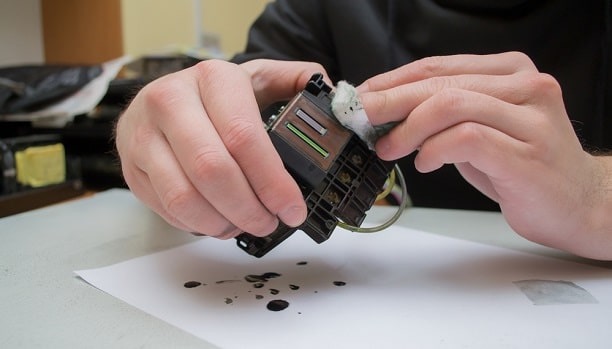
Vzemite aktivirano krpo za toner in z njo obrišite toner iz kartuše. Med brisanjem tonika bodite nežni. Ne stresajte ga močno, saj lahko toner izteče. Odstranite odvečni toner in položite kartušo na drugo aktivirano krpo za toner. Enako bi morali storiti za druge kartuše, kjer je primerno.
5. Očistite dele tiskalnika – z uporabo vakuuma za toner
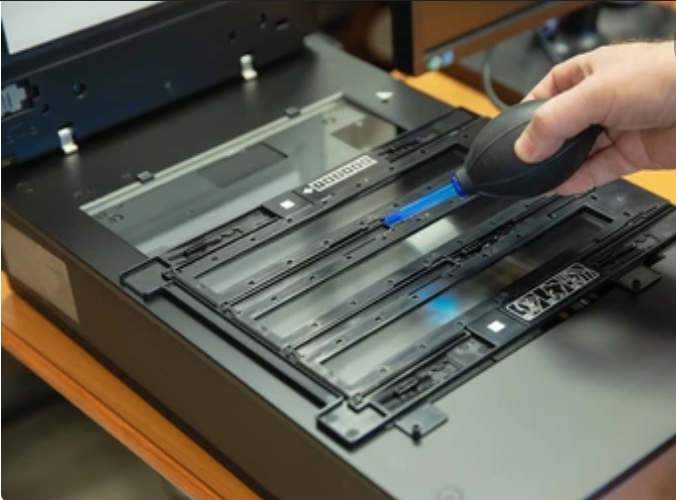
Za čiščenje delov tiskalnika uporabite sesalnik za toner. Med spremljanjem udarca ga nežno pihajte. Pazite, da se z vakuumom tonerja ne dotaknete notranjih komponent tiskalnika. Pihajte, dokler ves razsuti toner ne odide z delov tiskalnika.
6. ;Za čiščenje lepljivega tonerja uporabite čopič
Morda boste ugotovili, da se toner lepi na nekatere dele vašega tiskalnika. Uporabite čopič, da jih podrgnete. Ko to storite s čopičem, ga ponovno spihajte s sesalnikom za toner. Odpihnil bo preostali prah, ki ga niste odstranili s čopičem.
7. ;Čiščenje Corona žic
Umazane koronske žice negativno vplivajo na kakovost tiskanja. Pomagalo bi, če bi čiščenje razširili na te občutljive žice. Dobiti zamenjavo je drago, in morate biti še posebej previdni.
Uporabili boste vatirano palčko. Potopite ga v izopropilni alkohol in z njim očistite žice. Ne pozabite očistiti spodnje strani. Morda boste morali vatirano palčko redno menjati, če so kabli zelo umazani.
8. Čiščenje valjev za papir
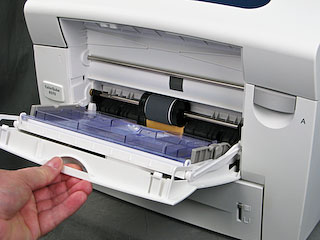
Tukaj boste ponovno uporabili vatirano palčko. Potopite ga v izopropilni alkohol in z njim očistite valje. Morda boste želeli zamenjati bris po potrebi.
9. ;Končujem
Skoraj ste končali. Ponovno vstavite kartušo s tonerjem, enota bobna, in zaprite vrata tiskalnika. Ne pozabite, da se čiščenje tiskalnika nanaša tudi na njegovo zunanjo površino.
Večina ljudi se pogosto osredotoča na notranje dele in briše samo prah z zunanje površine. najprej, pihajte, da odstranite prah. Kasneje, očistite ga z vatirano palčko, namočeno v izopropilni alkohol. Ne pozabite očistiti vrat in zadnje strani.
NAMIG: ;Tiskalnike pokrijte, ko jih ne uporabljate. Lahko dobite tesnilo, ki lahko absorbira prah. Prah rad pristane in se nabere na površinah tiskalnika. Lahko se celo konča na notranjem delu, vpliva na delovanje tiskalnika. Lahko postane resno, ko se na gibljivih delih nabere prah.
Videoposnetek YouTube, ki prikazuje, kako očistiti tiskalnik:
Stvari, ki si jih morate zapomniti med čiščenjem tiskalnika
- Vedno se zaščitite z masko in rokavicami. Vaše zdravje je najpomembnejše.
- Nežno zdrgnite površine. Pritisk na občutljive dele, kot so koronske žice, bo povzročil poškodbe.
- Tiskalnika ne čistite takoj po tiskanju. Grelna enota je lahko vroča, in lahko dobite opekline.
- Tekočine lahko poškodujejo vaš tiskalnik. Izogibajte se pršenju tekočine na notranje dele
- Pravilno uporabljajte vakuum za toner. Pazite, da ne pride v stik z notranjimi deli tiskalnika.
- Ne razširite svojega delovanja na vzdrževanje, ki bi lahko razveljavilo garancijo vaših tiskalnikov. To še posebej velja, če je vaš tiskalnik star manj kot 12 mesecev.
- Tiskalnik očistite samo, če zaupate svojim sposobnostim. Če niste seznanjeni z anatomijo svojega tiskalnika, se raje obrnite na lokalnega tehnika.
Zadnja beseda
Čiščenje tiskalnika ni nikoli zapletena preizkušnja. Z lahkoto ga lahko očistite, če imate nekaj osnovnega znanja o njegovi anatomiji.
torej, kje kupiš kartuše s tonerjem?
Na Kitajskem imamo tovarno združljivih kartuš. Že deset let oskrbujemo svet. Upoštevajte nas pri pridobivanju vašega naslednjega naročila. Omogočili vam bomo, da uživate v neposredni tovarniški ceni.